

API tools in QForm UK make it possible to automate routine tasks, reduce engineers’ time spent on repetitive work, and create customized solutions for specific production and research needs.
We are building a library of ready-to-use QForm API scripts and applications that will serve as a practical resource for users. It will help them solve common tasks faster, learn API programming, and share ideas and effective solutions.
We invite authors and developers to contribute! If you have ready-made code for QForm that could be useful to other users, send it to us — we will consider publishing it in the library. For details, please contact [email protected].
All published tools will be available free of charge to users with active technical support. For other users, please check the access terms via the form on our website or contact [email protected].
Share your solutions, help other QForm UK users automate their tasks, and develop your own expertise in API programming.
Build practical automation workflows with the QForm UK API — from the first script to advanced engineering scenarios.
This hub is also for people who want neural networks to help them write scripts for the QForm UK Python API.
Learn how to work with the API using our guides:

Script for exporting trace data from extrusion simulations. Unlike the standard trace export available through the user interface, this script also exports the values of subprogram fields.

Script for tracking node field values across records during extrusion process simulations

Validation of extrusion input data against specified constraints.
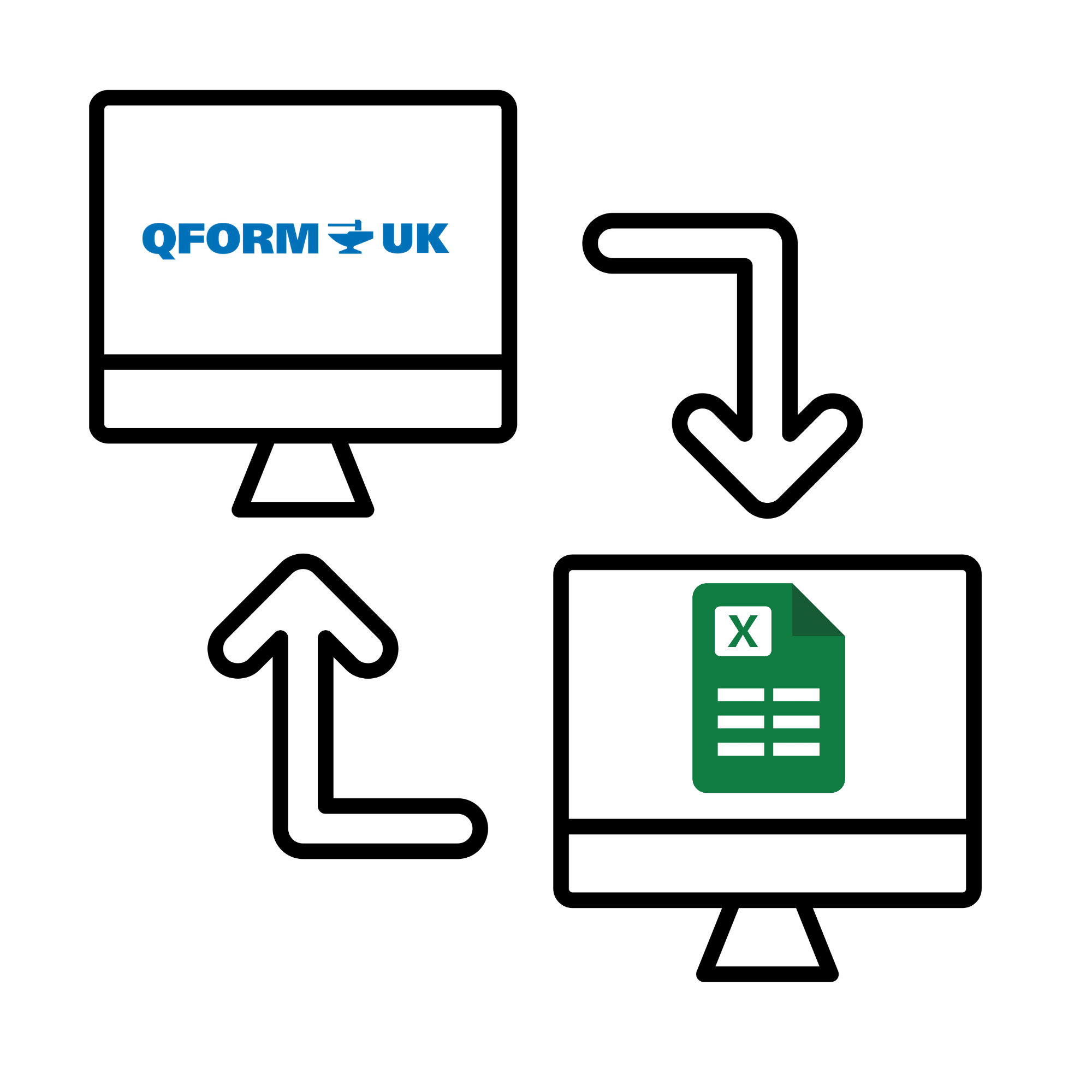
Script for importing nozzle pressure data from an Excel spreadsheet into QForm UK.
Script for grouping nozzles into branches and applying uniform pressure to each branch during profile cooling simulations.

Script for automated report generation for extrusion and profile cooling simulations.
Automatically generates images, animations, and plots and compiles the results into a presentation based on a predefined template.

Script for extracting additional data from profile cooling simulations.
Collects twist angle, bend angle, and X- and Z-axis displacements, which are commonly used to assess the geometry of the quenched profile. The script also generates plots from the collected data for use in standard presentations and reports.

Script collects simulation data along a user-defined trace and organizes it into a custom table. It can include time, point path, coordinates, velocity, temperature, stress, plastic strain, strain rate, and velocity-gradient components at selected nodes. The resulting table makes detailed trace data easier to review and export for further analysis.

Script for automating a series of simulations with different billet dimensions.
Loads a predefined set of billet dimensions and automatically runs a simulation for each configuration. Particularly useful for optimizing billet dimensions in forging processes.

Utility for recalculating projects after unexpected simulation failures.

Script for collecting statistics on metal streams during extrusion with mandrel.

Measures wall thickness and inner and outer diameters at different positions and angles along a tube.
Transfers calculated temperature and plastic strain fields from one finite element mesh to another.

Creates a pass-by-pass Excel report from a simulated QForm UK project, including profile sections, dimensions, speed, load, torque and power.

Imports point coordinates from XLSX, CSV or TXT, maps them to the workpiece surface and adds them to a QForm UK project.

Collects average strain rate and its longitudinal component at sections along the deformation zone during rolling.
